

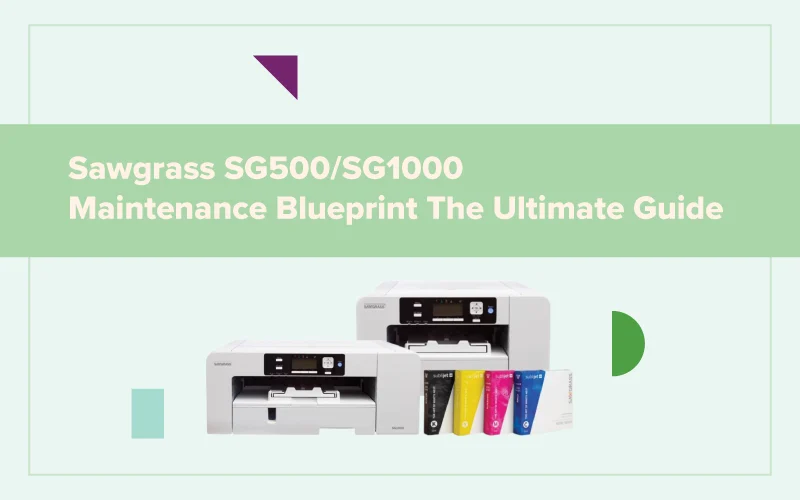
Sawgrass SG500 & SG1000 Maintenance Guide
Regular maintenance keeps your printer performing at its best. Follow this routine to improve print quality, reduce downtime, and extend printer life.
Your SG500 / SG1000 Maintenance Routine
A simple preventive maintenance schedule ensures reliable performance and consistent sublimation results.
Print Regularly
Print a small colour image or nozzle check to keep ink flowing through the print head and minimise nozzle clogging.
Run a Nozzle Check
Verify that every nozzle is firing correctly. Perform a head cleaning if any gaps are visible.
Clean Printer Components
Clean paper feed rollers, the capping station, and remove dust and paper debris from inside the printer.
Recommended Maintenance
Performing preventive maintenance takes only a few minutes and helps ensure consistent print quality, reduces unexpected downtime, and extends the life of your Sawgrass SG500 or SG1000 printer.
Troubleshooting & Common Sublimation Issues
If you're experiencing print quality or transfer issues, use the guide below to identify common problems, understand the cause, and apply the recommended solution.
Missing Colors or Blank Areas
Symptoms
One or more colors are missing from the print.
Possible Cause
Print head nozzles are clogged due to dried ink or infrequent printing.
Recommended Solution
- Run a nozzle check.
- Perform one or two head cleaning cycles.
- Print a test image to verify all colors.
Horizontal Banding
Symptoms
Visible horizontal white lines appear across prints.
Possible Cause
Partially clogged nozzles or print head alignment issues.
Recommended Solution
- Run a nozzle check.
- Align the print head.
- Clean the print head if required.
Colors Look Dull
Symptoms
Transfers appear faded after pressing.
Possible Cause
Incorrect heat press settings or unsuitable substrate.
Recommended Solution
- Verify time and temperature.
- Use medium pressure.
- Use quality sublimation blanks.
Paper Feed Problems
Symptoms
Paper jams or feeds unevenly.
Possible Cause
Dirty feed rollers or damp paper.
Recommended Solution
- Clean the feed rollers.
- Store paper correctly.
- Remove dust from inside the printer.
Choosing the Right Sawgrass System for Your Needs
Whether you're launching a new sublimation business or expanding an existing production setup, choosing the right Sawgrass printer depends on your workspace, production goals, and the products you create. Compare the SG500 and SG1000 to find the ideal solution for your business.

Sawgrass SG500
The SG500 is an excellent choice for hobbyists, home businesses, and small production environments looking for professional-quality sublimation printing.
- Compact desktop design
- Perfect for mugs, apparel, coasters & gifts
- Low to medium production volume
- Simple setup and easy maintenance
- Cost-effective entry into sublimation
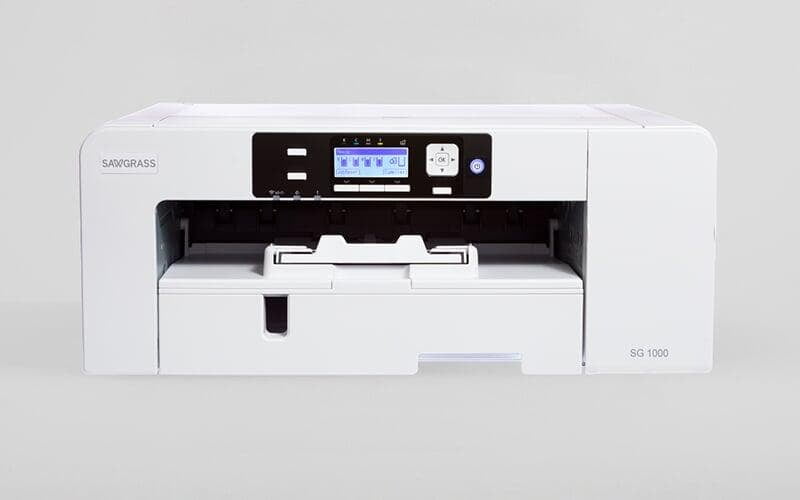
Sawgrass SG1000
Designed for higher production demands, the SG1000 supports larger media sizes and delivers exceptional output for commercial sublimation businesses.
- Supports larger transfer sizes
- Ideal for apparel, signage & home décor
- Medium to high production capacity
- Expandable with optional bypass tray
- Built for business growth
Tips to Maximize Sublimation Success
Great sublimation results come from more than just a quality printer. Following these recommended practices will help you achieve vibrant colors, consistent output, and long-term printer reliability.
Use Genuine Sawgrass Ink
Genuine inks are engineered specifically for Sawgrass printers, delivering reliable performance and accurate color reproduction.
Print Regularly
Print a small image or perform a nozzle check every few days to keep ink flowing and reduce the chance of clogged nozzles.
Store Sublimation Paper Correctly
Keep paper sealed and away from humidity to maintain transfer quality and prevent paper curl.
Maintain Your Printer
Follow the recommended maintenance schedule to ensure consistent print quality and extend printer life.
Use Recommended Heat Settings
Always match the correct temperature, pressure, and pressing time to the substrate being used.
Keep Your Workspace Clean
Dust-free equipment and a clean work area help reduce print defects and improve overall productivity.